
Let’s be honest for a second: “cybersecurity” sounds like something meant for corporate IT departments, high-tech server rooms, or people with computer science degrees. Most of us just want to check our bank balance, shop for birthday gifts, post photos from weekend trips, and answer work emails without accidentally handing our bank account over to a stranger halfway across the world.
The good news? Staying safe online in 2026 doesn’t mean becoming a paranoid recluse or living off the grid. It’s mostly about building a few low-effort habits that keep the bad actors out while letting you use your tech without constantly stressing over it.
Here is what you actually need to know about locking down your digital life—minus the jargon, panic, and textbook lectures.
Why Hackers Aren’t Targetting “Who You Are” (And What They Actually Want) Cybersecurity
A common myth people tell themselves is: “Why would anyone hack me? I’m not rich or famous; I have nothing worth stealing.”
Here’s the reality: modern cybercrime isn’t like the movies. Scammers aren’t sitting in dark rooms carefully selecting individual victims. Cybersecurity They run automated scripts that spray millions of fake emails, test leaked password databases, and search for unprotected phones every single second.
They don’t care who you are; they just want:
- Your social accounts (to trick your friends into sending money)
- credit Your card or bank access (for obvious reasons)
- Your computer’s processing power (to run silent scams in the background)
It’s less like someone picking your front door’s lock specifically, and more like a thief walking down a street testing every car door handle to see which one was left unlocked. Your job is simply to make sure your door is locked.
5 Practical Habits Cybersecurity That Give You 90% Protection
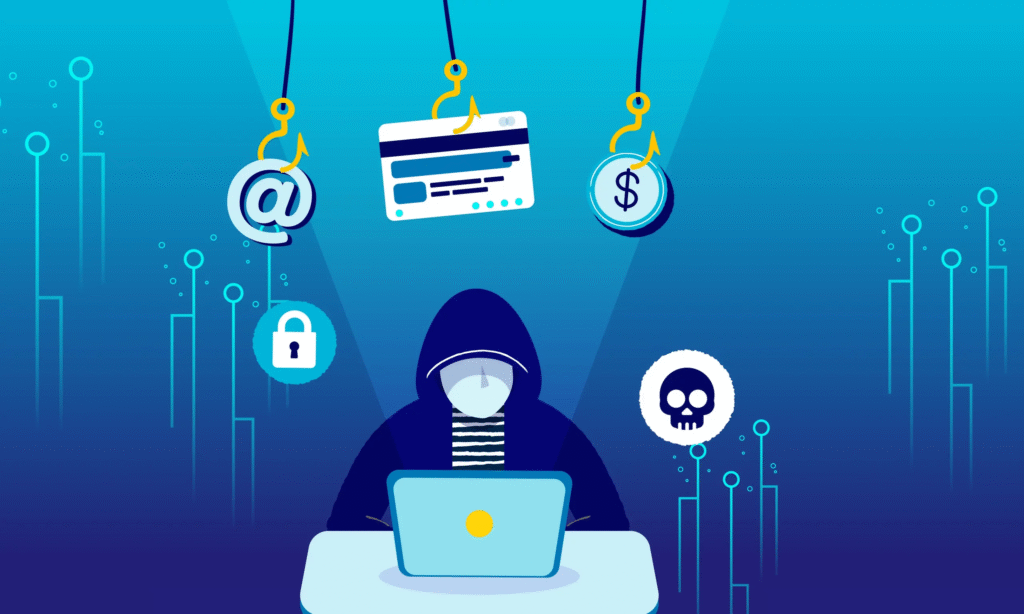
You don’t need a dozen expensive security tools. Just focusing on these five everyday habits puts you ahead of almost every common online threat.
Cybersecurity Stop Trying to Remember Passwords (Use a Manager Instead)
If your current password strategy is some variation of your pet’s name, a birthday, and an exclamation point—or if you reuse the exact same password on five different shopping sites—you’re walking on thin ice. When a random clothing site gets breached, hackers take that email-and-password combo and immediately try it on PayPal, Gmail, and Amazon.
The human fix: Let a trusted password manager (like Bitwarden, 1Password, or Apple/Google’s built-in keychains) do the heavy lifting. They generate ridiculous passwords like
k9#mP$2vL!xQthat you never have to memorize, and automatically fill them in when you log in.
Cybersecurity Turn On Two-Factor Authentication (2FA) for the Big Stuff
Think of 2FA as a physical deadbolt on top of your standard door handle lock. Even if someone manages to guess or steal your password, they still can’t break into your account without a secondary code sent to your phone or an authenticator app.
- Must-haves for 2FA: Your primary email, online banking, and social media accounts.
- Pro-tip: Authenticator apps (like Google Authenticator or 1Password) are significantly safer than text message (SMS) codes, which scammers can occasionally intercept.
Cybersecurity The “3-Second Pause” Rule for Emails and Texts
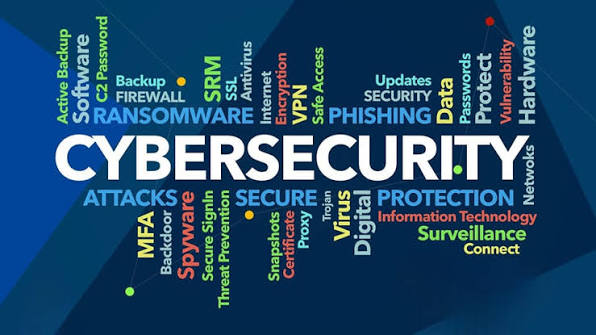
Phishing scams are getting eerily realistic in 2026, often imitating your bank, shipping companies (like FedEx or UPS), or even your boss. They work by creating artificial urgency: “Your account will be suspended in 2 hours!” or “Your package couldn’t be delivered—click here immediately!”
Before clicking any link or downloading an attachment, take three seconds to ask yourself:
- Was I expecting this specific email or package?
- Is the sender’s email address slightly weird? (e.g.,
support@paypaI-security-check.cominstead of official domain names). - Are they asking me to fix an emergency by logging in through a provided link?
When in doubt: Close the email, open your browser manually, go directly to the company’s official website, and check your account status from there.
Cybersecurity Treat Public Wi-Fi Like a Room Full of Strangers
Free Wi-Fi at airports, coffee shops, and hotels is convenient, but you never truly know who else is connected to that same network—or if someone set up a fake hotspot called “Free_Airport_WiFi” to listen in on traffic.
- If you’re doing something sensitive like checking your bank account or paying a bill, turn off Wi-Fi and use your phone’s cellular data connection.
- If you must use public Wi-Fi on a laptop, turn on a Virtual Private Network (VPN) to encrypt your connection.
Cybersecurity Don’t Ignore the “Update Available” Pop-ups
We all hate restarting our laptops or phones in the middle of a busy workday, but those operating system updates are rarely just about new emojis. Most of the time, they contain critical security patches fixing vulnerabilities that hackers are actively trying to exploit. Set your devices to update automatically overnight while you sleep.
Cybersecurity Quick Reference: What Safety Looks Like in Action
┌───────────────────────────┬──────────────────────────────────┬─────────────────────────────────────┐
│ Common Situation          │ Risky Habit                      │ The Safe Move                       │
├───────────────────────────┼──────────────────────────────────┼─────────────────────────────────────┤
│ Creating a new account    │ Reusing your "favorite" password │ Let your password manager generate │
│                           │ with a slight tweak              │ a unique, random string             │
├───────────────────────────┼──────────────────────────────────┼─────────────────────────────────────┤
│ Unexpected text from UPS  │ Clicking the short-link right    │ Open the official carrier app or    │
│ about a delayed delivery  │ away to clear the notification   │ site directly to track your package │
├───────────────────────────┼──────────────────────────────────┼─────────────────────────────────────┤
│ Working at a coffee shop  │ Logging into banking apps on the │ Switch your phone to cellular hotspot│
│ on free local Wi-Fi       │ open network without a VPN       │ before touching sensitive accounts  │
├───────────────────────────┼──────────────────────────────────┼─────────────────────────────────────┤
│ Buying from a new site    │ Entering credit card details on  │ Look for HTTPS/padlock, or use      │
│ seen on social media      │ an unverified payment page       │ PayPal / Apple Pay / Google Pay     │
└───────────────────────────┴──────────────────────────────────┴─────────────────────────────────────┘
Cybersecurity Backup What You Can’t Replace
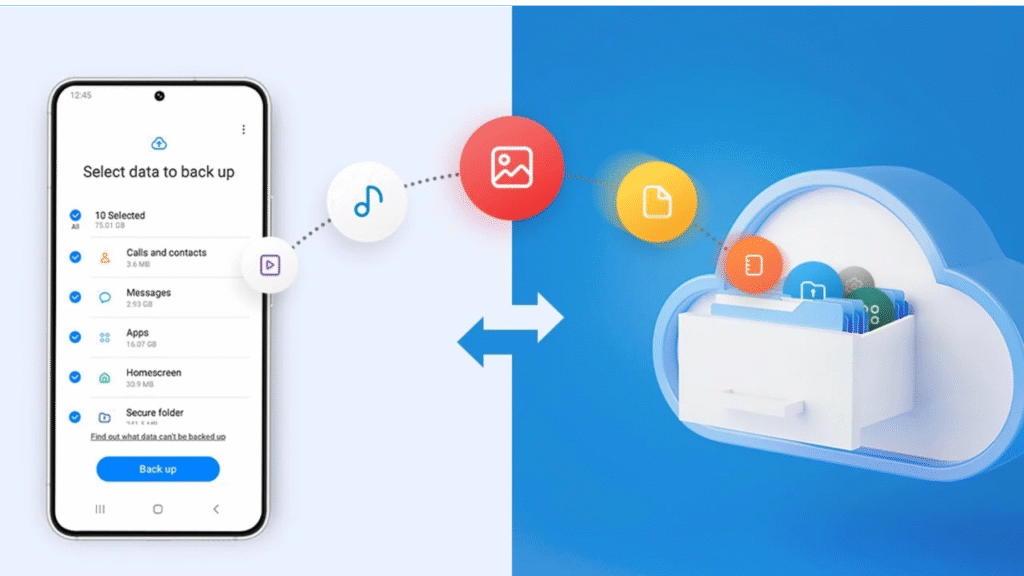
Hard drives crash, phones get dropped in pools, and occasionally, ransom software locks up personal files.
Take an hour this weekend to set up an automatic cloud backup (like iCloud, Google Drive, or OneDrive) or plug in an external hard drive to copy over your irreplaceable family photos, tax documents, and personal projects. If your device ever gets compromised, being able to wipe it clean without losing your memories turns a potential disaster into a minor inconvenience.
FAQ’S
1. What is cybersecurity?
Cybersecurity protects your devices, accounts, and personal data from online threats.
2. Why should I use strong passwords?
Strong, unique passwords make it much harder for hackers to access your accounts.
3. What is two-factor authentication (2FA)?
2FA adds an extra security step by requiring a verification code in addition to your password.
4. Is public Wi-Fi safe to use?
Public Wi-Fi can be risky, so avoid accessing sensitive accounts unless you’re using a secure connection.
5. How can I stay safe online every day?
Keep your software updated, avoid suspicious links, use strong passwords, and enable 2FA whenever possible.